
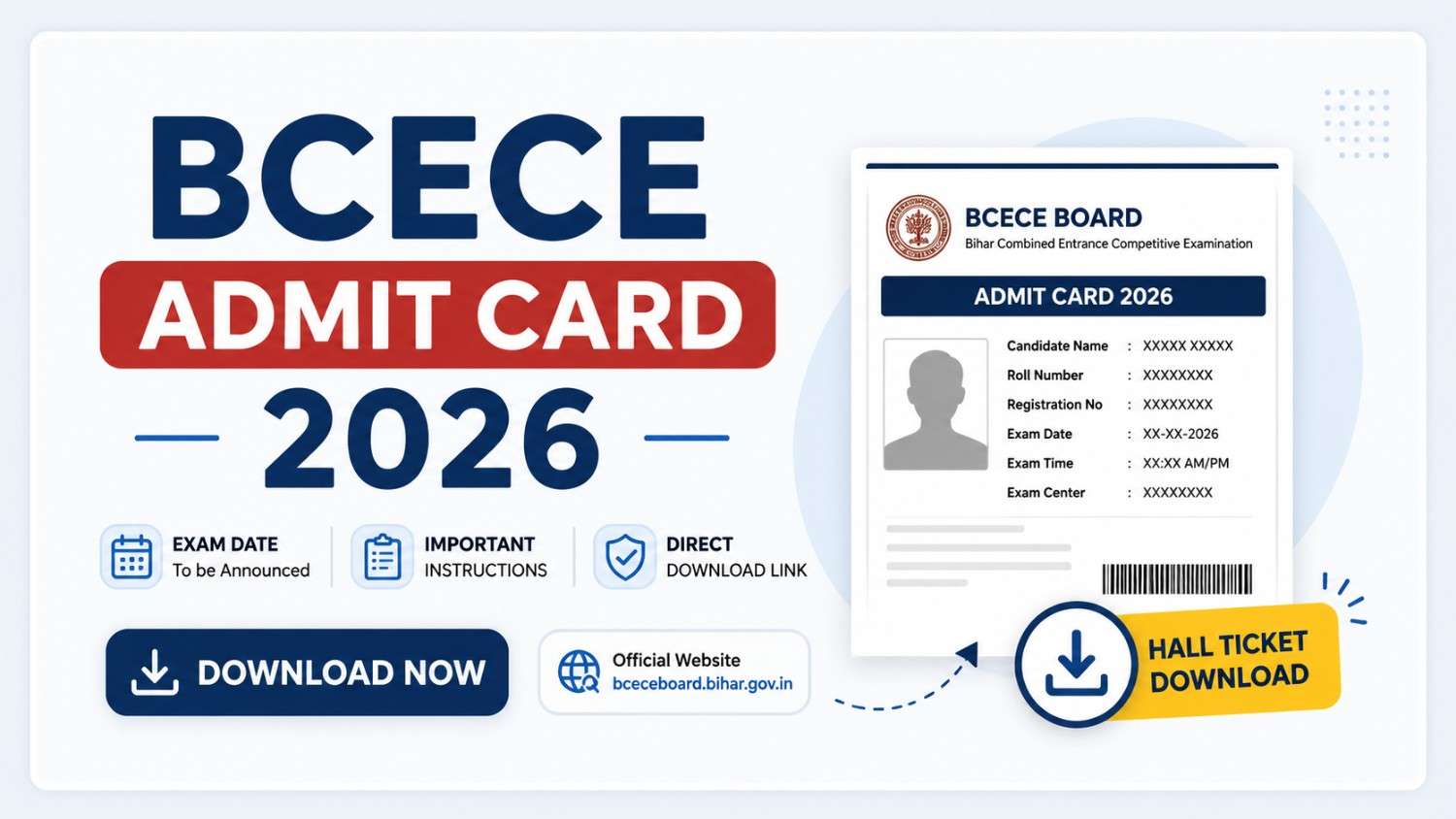
Candidates waiting for the BCECE Admit Card 2026 can now check the latest update regarding the Bihar Combined Entrance Competitive Examination. The Bihar Combined Entrance Competitive Examination Board (BCECEB) has activated important candidate-related activities for the 2026 session through its official portal. Candidates who completed the registration process can download their hall ticket by logging into the official website using their credentials.
The admit card is one of the most important documents for appearing in the examination. Without it, candidates will not be allowed to enter the examination center. Along with the admit card, applicants should verify all personal details and exam-related information before the exam day.
Table of Contents
BCECE Admit Card 2026 Overview
| Particulars | Details |
|---|---|
| Exam Name | Bihar Combined Entrance Competitive Examination (BCECE) 2026 |
| Conducting Authority | Bihar Combined Entrance Competitive Examination Board (BCECEB) |
| Admit Card Status | Available |
| Admit Card Mode | Online |
| Login Credentials | Registration Number/Application Number and Password |
| Official Website | BCECE Board Portal |
| Exam Mode | Offline |
| Exam Purpose | Admission into various professional courses |
The BCECE examination is conducted every year for admissions into multiple professional courses in Bihar institutions.
BCECE Admit Card 2026 Latest Update
According to the latest available information, the admit card download process for BCECE-related examinations has been activated through the candidate portal. Candidates are advised to keep their registration details ready while accessing the download page.
Many students often wait until the last date and face issues because of heavy traffic on the website. Downloading the admit card early can help avoid technical problems.
Common issues reported by candidates include:
- Slow website loading
- Incorrect login credentials
- Browser compatibility issues
- High server traffic during peak hours
These problems are generally temporary and can be resolved by trying again after some time.
Also Check: HP Home Guard Admit Card 2026: Download Hall Ticket, Release Date, Exam Updates and Complete Guide
How to Download BCECE Admit Card 2026
Candidates can follow these steps to download their hall ticket:
Step 1: Visit the official BCECE portal
Go to the official BCECE website.
Step 2: Find the admit card section
On the homepage, locate the BCECE Admit Card 2026 link.
Step 3: Login using credentials
Enter:
- Registration Number/Application Number
- Password
Step 4: Submit details
Click on the login button.
Step 5: Download the hall ticket
The admit card will appear on your screen.
Step 6: Print copies
Download and take 2–3 printouts for future use.
Details Mentioned on BCECE Admit Card 2026
After downloading the hall ticket, candidates should carefully check every detail mentioned on it.
The admit card generally contains:
- Candidate’s full name
- Father’s name
- Roll number
- Application number
- Registration details
- Candidate photograph
- Signature
- Exam date
- Exam timing
- Reporting time
- Examination center name
- Examination center address
- Important instructions
Candidates should ensure that all information matches the details submitted during registration.
Why BCECE Admit Card 2026 Is Important
The admit card acts as an entry pass to the examination hall. Without it, candidates will not be permitted to appear in the examination.
The document is also important because it helps during:
- Identity verification
- Attendance process
- Examination entry
- Future counseling procedures
- Admission verification
Students should keep multiple copies safely even after the examination is completed.
Documents Required Along with BCECE Admit Card 2026
Candidates should carry the following documents on exam day:
Mandatory Documents
- Printed copy of BCECE Admit Card 2026
- Valid government photo ID proof
Accepted ID proofs may include:
- Aadhaar Card
- PAN Card
- Voter ID
- Passport
- Driving License
- School or College Identity Card
Additional Documents (If Required)
- Passport-size photographs
- Supporting documents mentioned by authorities
Carrying proper documents helps avoid verification issues at the examination center.
What to Do If There Is an Error on BCECE Admit Card 2026
Candidates sometimes notice mistakes after downloading their admit card.
Common errors include:
Incorrect Name
If your name spelling is wrong, contact officials immediately.
Wrong Photograph
Blurred or incorrect photos can create verification problems.
Missing Information
Check whether important details such as exam center or roll number are missing.
Incorrect Category Information
Ensure category details match your application form.
Candidates should not ignore any errors because incorrect information may create problems on exam day. Contact the examination authority immediately for corrections.
Common Problems While Downloading BCECE Admit Card 2026
Several candidates face download-related issues. Here are quick solutions:
Website Not Opening
Possible reasons:
- Heavy traffic
- Server maintenance
Solution:
- Refresh page
- Try during non-peak hours
Wrong Password
Solution:
- Use the password recovery option
Browser Issues
Solution:
- Switch browsers
- Use updated Chrome, Edge, or Firefox
Internet Problems
Solution:
- Check internet connection
- Use stable Wi-Fi or mobile data
BCECE Exam Day Instructions 2026
Candidates appearing in the examination should follow all instructions mentioned on the admit card.
Reach the center early
Arrive at least 30–60 minutes before reporting time.
Carry all required documents
Do not forget:
- Admit card
- ID proof
Avoid restricted items
Do not carry:
- Smartwatches
- Mobile phones
- Bluetooth devices
- Calculators (unless permitted)
- Notes or study materials
Dress comfortably
Candidates should avoid unnecessary accessories and heavy items.
Follow invigilator instructions
Any violation of exam rules can lead to disqualification.
BCECE Admit Card 2026 Download Link
Candidates can download their hall ticket through the official BCECE website:
Keep your application number and password ready before accessing the login page.
Important Tips Before Exam Day
Many students focus only on preparation and forget basic exam-day requirements.
Keep these points in mind:
- Download the admit card early
- Take at least three printouts
- Verify every detail
- Visit the exam center location beforehand if possible
- Keep ID proof ready
- Sleep properly before the examination
- Reach the center on time
Small preparation steps can help avoid last-minute stress.
Frequently Asked Questions (FAQs)
When was BCECE Admit Card 2026 released?
According to the latest updates available online, BCECE-related admit card activity has started and candidates can access the portal for downloading their hall ticket.
How can I download BCECE Admit Card 2026?
Visit the official website, log in using your registration number and password, and download the hall ticket.
Is it mandatory to carry a printed copy of the admit card?
Yes. Candidates must carry a printed copy to the examination center.
Can I download my admit card multiple times?
Yes. Candidates can download the admit card multiple times before the examination.
What should I do if I forget my registration number?
Use the password recovery or account recovery option available on the official portal.
Can I change my examination center after admit card release?
Generally, examination center changes are not allowed after admit card issuance.
Final Words
The BCECE Admit Card 2026 is a mandatory document for every candidate appearing in the examination. Applicants should download it as early as possible and carefully verify every detail mentioned on it. Last-minute delays and technical issues are common during high-traffic periods, so avoid waiting until the final day.
Stay connected with the official portal for the latest notifications and updates regarding examination schedules and further admission procedures.


Leave a Comment